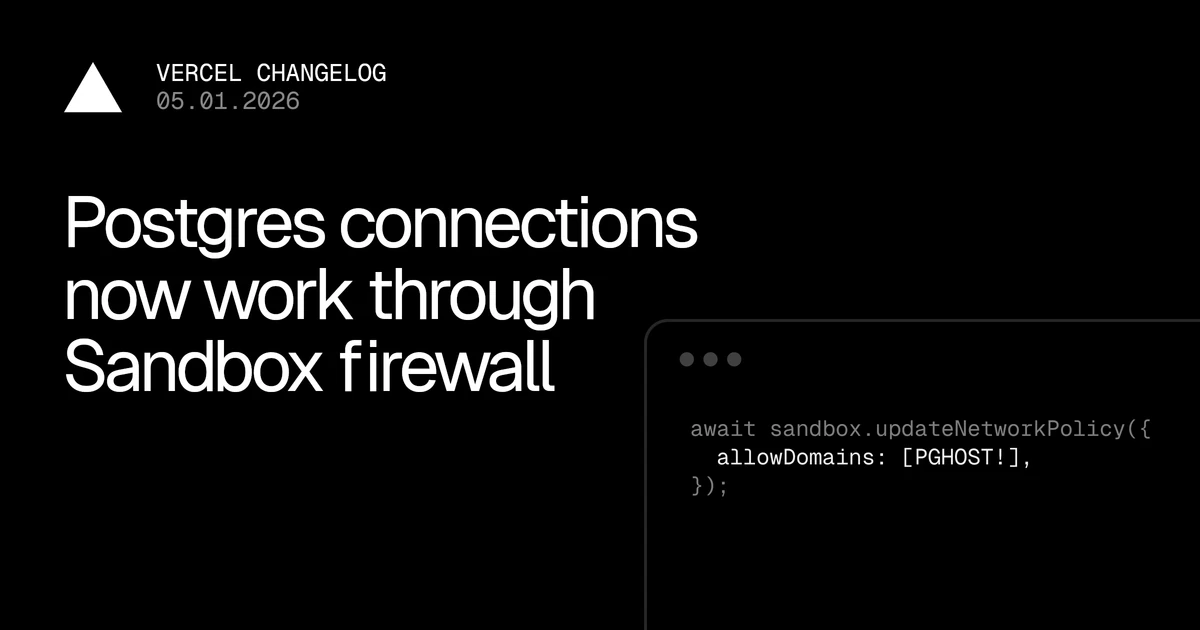
Postgres connections now work through Sandbox firewall
can now connect to hosted Postgres databases, including , , , , and . To enable a connection, add the database host to your Sandbox's allowed domains.Vercel SandboxNeonSupabaseAWS RDSNilePrisma Postgres When is used with Vercel Sandbox, the sandbox firewall restricts outbound network access by checking the domain name during a connection's TLS handshake. This works seamlessly for HTTPS traffic, where the domain is visible at the start of the connection.SNI based filtering Postgres, however, negotiates TLS differently. A Postgres client first opens a plain TCP connection and upgrades to TLS. Because the domain isn't available when the firewall first needs it, Postgres connections through a standard domain-restricted Sandbox would fail.then The Sandbox firewall now adjusts for the Postgres TLS negotiation flow. It detects the protocol's startup sequence, waits for the TLS upgrade, and then applies your domain policy before forwarding the connection to the database. No changes are needed to your code or database configuration. Here's a full example: create a Sandbox, install a Postgres client, lock down the network to only the database host, and run a query. Learn more about the .Sandbox firewall Read more Background What changed Connecting to hosted database Important to know Domain-based rules rely on the hostname being visible during the TLS handshake, so clients must connect with or higher. If your database doesn't support TLS, you can allow it by instead. Most managed Postgres providers require TLS by default.TLS is required: sslmode=requireIP range Clients using will fall back to TLS automatically; will not connect.GSSAPI encryption is not supported: gssencmode=prefergssencmode=require If a client uses and the database doesn't support TLS, the connection will fail rather than silently falling back to plain-text.No silent downgrades: sslmode=prefer

No discussion yet. Be the first to share your thoughts!